Login
Call Us


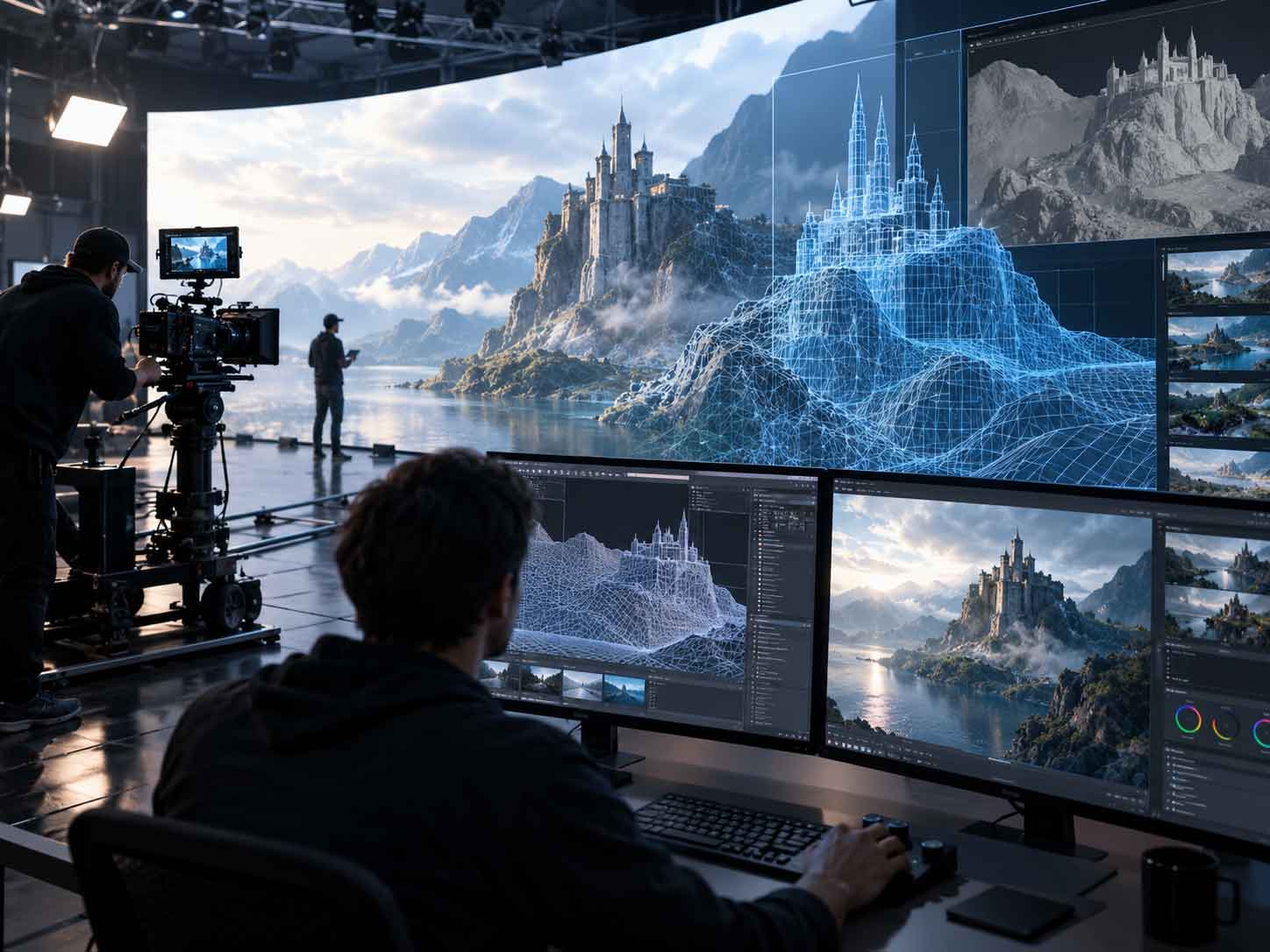
Modern motion design should guide attention, explain interaction and strengthen visual identity without making websites slower, less responsive or harder to use.
Motion has become an essential part of digital design. Smooth transitions, animated navigation, scrolling effects and responsive feedback can make an interface feel polished and intuitive. Movement helps users understand what has changed, where an element has gone and what will happen after an action.
The problem begins when animation becomes decoration rather than communication. Heavy effects, large video backgrounds and complex scripts can increase loading time, block interaction and create a frustrating experience on mobile devices. A website may look impressive in a presentation and still feel slow in real use.
Performance is now measured through the experience of actual visitors. Core Web Vitals focus on loading speed, responsiveness and visual stability. This means designers and developers can no longer treat motion and technical performance as separate subjects. Every animation has a cost, and every visual decision should justify that cost.
Some animation techniques are much lighter than others. Effects based on properties such as transform and opacity are usually easier for browsers to render smoothly than animations that repeatedly change layout, size or position.
Large JavaScript animation libraries can be useful, but they should not be added automatically. Simple transitions often work well with CSS, while more complex sequences should be loaded only when needed. Images, videos and 3D assets should be compressed, delayed or replaced on smaller devices when they do not support the main task.
Interaction to Next Paint is especially relevant because it measures how quickly a page responds after a click, tap or keyboard action. A beautiful animation that delays visible feedback makes the interface feel broken, even when the page is technically functioning.
Not every user wants or can comfortably process constant movement. Some people experience dizziness, distraction or discomfort from parallax effects, zooming and large animated transitions. Modern interfaces should respect system settings such as reduced motion and provide simpler alternatives where necessary.
Reducing animation does not mean removing personality. A complex movement can become a short fade, an instant state change or a subtle color transition. The message remains clear without forcing every visitor through the same experience.
Great motion design rarely asks for attention. It makes navigation easier, confirms actions and gives the product a consistent rhythm. Users remember that the experience felt smooth, not that every element was animated.
The future of motion design will be shaped by restraint. Teams that test on real devices, measure responsiveness and design for accessibility will create experiences that feel both expressive and fast. Motion should support performance, not fight against it.